
Short answer
Start with the viewing context
Will people watch silently on a phone, or follow a training video while listening? Does the original voice preserve the value of an interview or performance? These questions matter more than choosing a fashionable format.
Check the density of graphics and on-screen text. Adding subtitles to a busy scene may require positioning changes or localisation of the original graphics. Review the final video rather than treating the script in isolation.
When are subtitles a good fit?
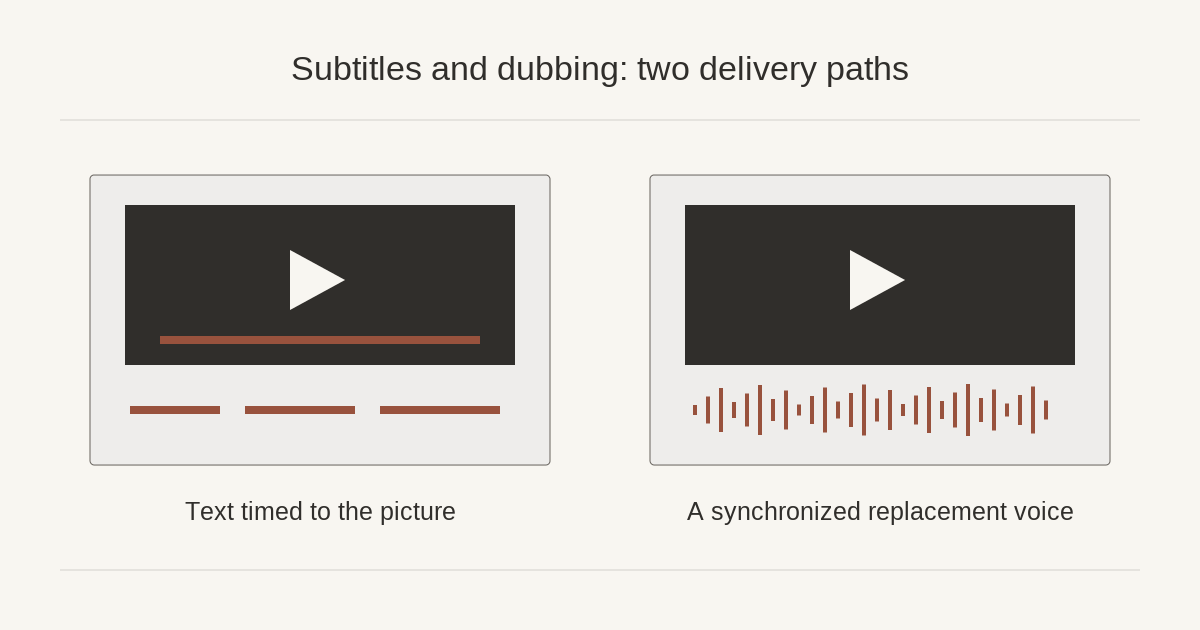
They retain the speaker’s voice while adding another language through timed text. The work requires readable translation, appropriate timing and line breaks that preserve meaning, plus contextual checks of names and terminology.
Decide between a separate selectable subtitle file and text embedded in the picture. This affects later editing, reuse and platform delivery. Different aspect ratios may need separate presentation checks.
When might dubbing be appropriate?
It may suit audiences who prefer listening in their language or content that makes simultaneous reading difficult. The scope can include script adaptation, recording, timing and audio mixing.
Do not assume that every dubbing brief includes precise lip synchronisation. A translated training voiceover and a dialogue scene have different requirements. Agree the treatment, voice and usage rights before recording.
How do translated subtitles differ from captions?
W3C distinguishes translated speech from captions that also convey important non-speech sound. Captions may identify a speaker or describe an alarm when that information is necessary to understand the scene.
Terminology varies by platform and region. State accessibility needs explicitly rather than ordering only a translation. Depending on the material, other alternatives may be required, such as description of visual information absent from the audio.
Are automated tools enough?
Automation can provide a starting point, but the transcript must be checked against the recording before translation and timing review. A recognition error can spread into translated text and a complete audio track.
W3C cautions against relying on uncorrected automatic captions for access. YouTube also documents limitations of automatic dubbing. Check current platform settings and supported languages, then test an actual output rather than assuming eligibility or quality.
What should you give the supplier?
A clear reference version prevents changes spreading between stages. Set a picture and audio lock before final timing.
- The final or clearly versioned video and available scripts.
- Names, terminology, pronunciation guidance and the audience’s language needs.
- Required formats such as SRT or WebVTT, plus embedded-text versions if needed.
- Separate audio assets where available, and performance and rights requirements for recording.
- Accessibility needs and named approval responsibilities for translation, timing and mix.
How do you check the final version?
Watch the full video at a realistic phone size and test it with and without sound as appropriate. Check Arabic display, numbers and links, and make sure subtitles do not cover important labels.
An illustrative fast product video may need concise subtitles and localised graphics, while an interview may benefit from selectable tracks. No format wins in every context, and running time alone cannot define the production scope.
Sources and further reading
- W3C WAI — Captions/Subtitles
- YouTube Help — Add subtitles and captions
- YouTube Help — Automatic dubbing
Primary background reference. The practical examples and commissioning guidance are editorial recommendations prepared by Sard.
- W3C WAI — Planning Audio and Video Media