
Short answer
Understand the action before naming it
“Apply” might apply a filter, submit an application or commit a change. The English word cannot settle the Arabic wording on its own. The destination and consequence determine what the button needs to communicate. These examples illustrate a decision process, not universal translations. For a filter, "تطبيق" may be appropriate; for a job application, "قدّم طلبك" may fit the action.
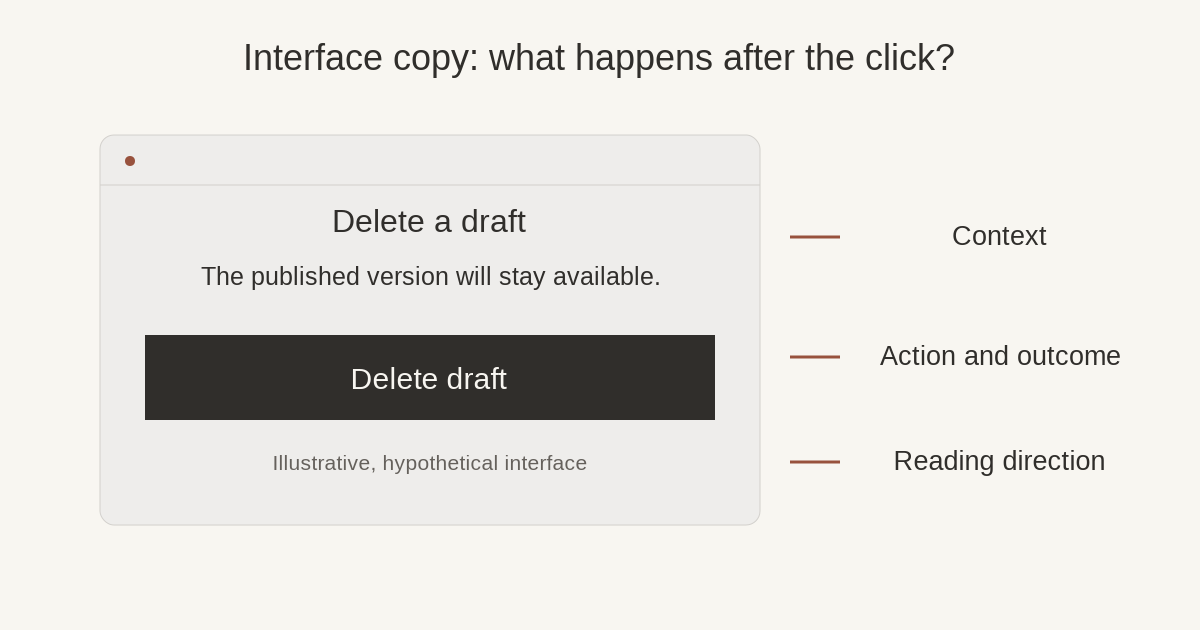
Request the preceding and following screens, plus an explanation of what the click does. Establish whether the action is reversible. Permanently deleting a file and removing a temporary selection need different wording even when the source uses the same verb.
Prepare a small, usable context pack
Give each string a stable identifier, location, element type and purpose. Explain space constraints and whether they reflect a genuine product limitation or simply the width of the original English label.
Use synthetic data or redacted screenshots. A translator does not need a real customer record to understand a message. Assign someone to resolve product questions: an unclear phrase can reveal a behaviour that the team has not yet agreed.
- String identifier, screen and trigger.
- What the user knows before seeing the message.
- A screenshot or safe test environment.
- Protected variables and technical tokens.
Make errors point towards recovery
“Something went wrong” does not tell a visitor whether their work is saved or what to do next. Explain the known problem and the available action without blaming someone for a system failure.
For an oversized upload, an illustrative message might ask the user to choose a smaller file and upload again. Include a numeric limit only when the product team has confirmed it. Never claim a request was saved when the save failed. An Arabic example is: "يتجاوز الملف الحد المسموح. اختر ملفًا أصغر ثم أعد الرفع."
Protect variables and test number forms
Messages may contain names, dates or tokens such as {count}. Preserve technical identifiers and ask how the localisation framework handles plurals. Avoid building Arabic sentences from independently translated fragments.
Test zero, one, two, plural values and larger numbers, then long names and mixed-direction values. This is a test plan rather than a universal implementation recipe. The engineering approach depends on the framework and message format used by the product.
Read the copy inside the design
W3C notes that translated text can occupy different space and recommends flexible layouts. Before shortening a useful instruction to fit a narrow container, consider more width or another line.
Inspect mobile buttons, field order, punctuation, email addresses and mixed text. Mirroring the layout does not resolve every right-to-left issue. Include keyboard navigation, zoom and validation messages in the review.
Approve the wording with its behaviour
Deliver an issue log connecting the string identifier, screenshot and proposed action. Separate language defects from interface bugs and unresolved product questions. Approve important messages after seeing the intended state in the interface.
Start with a high-value journey, such as account creation or a project enquiry, before less common states. Keep recurring decisions in a concise guide for actions, errors and confirmations. Revisit that guide when the behaviour changes, rather than carrying old copy into a new flow.